stick yourself into the scene
Pick a scene, send one photo. We turn you into 9 cartoon iron-on stickers. You place them anywhere on your scene tee and press.
I want one!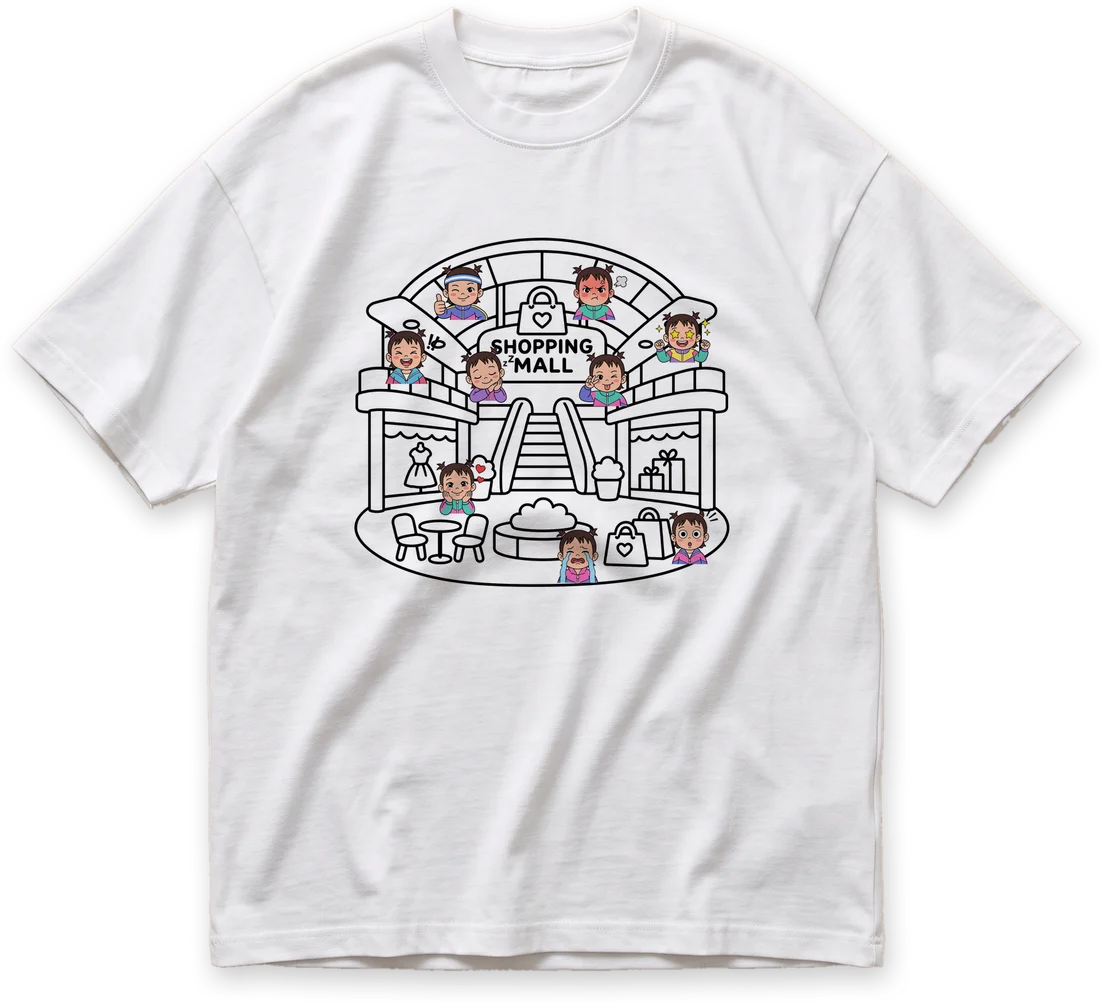
choose your scene
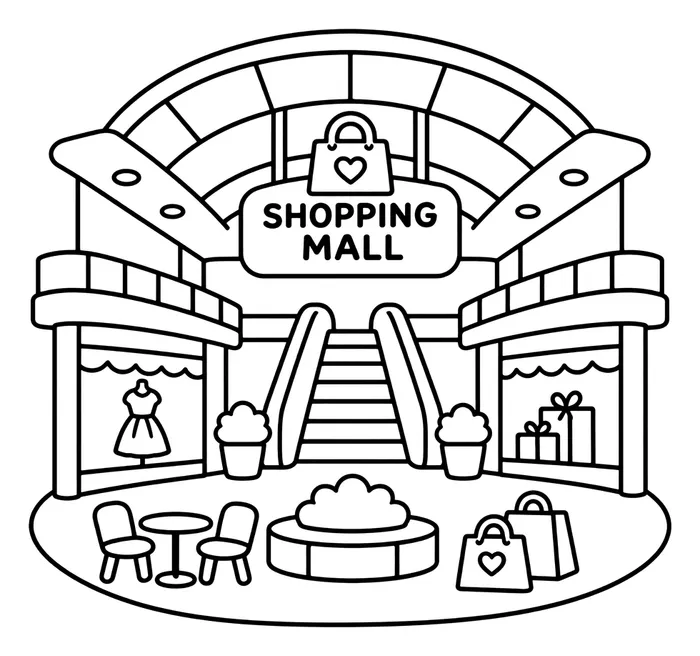
Three black-and-white scenes, full of places to peek, play and hide. Each kit comes with 9 stickers made from your photo.
one photo, nine moods
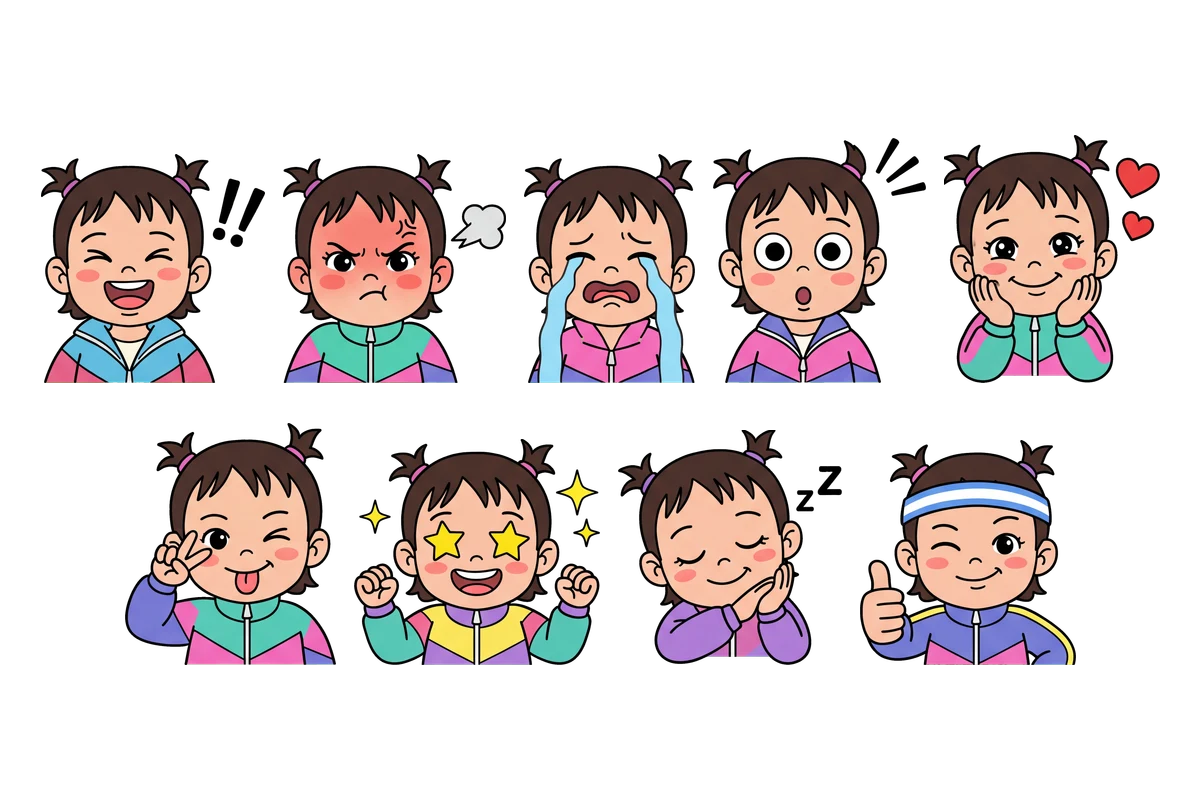
Laughing, grumpy, teary, shocked, in love, cheeky, starstruck, sleepy and a big thumbs up. We pick the expressions so every scene tells a little story. You decide where each one goes.
Pick a style for your stickers:
Make mine →how it works
From one photo to your own story tee.
Pick a scene
Playground, Christmas Market or Shopping Mall. It's printed on your tee.
Send one photo
A clear photo of you, or anyone you love. Add a theme if you like.
We make 9 stickers
You as a cartoon with 9 expressions. We WhatsApp you a preview first.
Place & press
Cut them out, place them anywhere in the scene, press and wear.
everything you need
- Scene teeAdult oversized or youth tee, printed with your scene
- 9 custom stickersIron-on transfers of you
- Pressing paperProtects your stickers
- Step-by-step guideGet it right first time · read it now
size chart
Two tees to choose from: our adult oversized tee in white or cream, and a youth tee for kids in white.
- Tee printed with your chosen scene
- 9 cartoon stickers made from your photo
- Preview on WhatsApp before we print
questions
Can't find yours? Message us on WhatsApp →
What kind of photo should I send?
One bright, clear photo where your face is easy to see, looking at the camera. Head and shoulders is perfect. Avoid sunglasses, heavy filters and very dark photos.
Can I choose which expressions I get?
We choose the 9 expressions so every kit has a good mix of moods. You can pick a style (Mini Me, 80s retro, Toy figurine, Caricature, Soft anime or Christmas) and we'll draw your stickers to match.
How do I pay?
By PayNow when you place your order. After you submit the form you'll see our PayNow number, the amount and your order number to use as the reference. Send us the payment screenshot on WhatsApp and we'll start on your stickers.
Can I see my stickers before you print them?
Yes. We send a preview on WhatsApp before we print. Every kit includes one free redo: if something doesn't look like you, tell us and we'll redraw your stickers.
Can I put more than one person on my tee?
Each kit is made from one photo of one person. Want the whole family in the scene? Message us on WhatsApp and we'll sort it out.
How long does it take?
Every kit is made to order. Once you approve your preview, we print and pack your kit, then ship it to you. We'll give you an estimated date when we confirm your order.
Do I need a heat press?
No. A normal home iron works because Pipu cut-outs are small. A heat press gives the most even result. Your kit comes with a printed step-by-step guide, or read the pressing guide here.
Where do you deliver?
Every kit is made in Singapore and delivered anywhere in Singapore. We can also ship to Malaysia. Delivery cost is confirmed with your order.
What do you do with my photo?
We only use your photo to make your stickers. It's processed by Google's AI image service to draw your cartoon, and we delete it within 90 days of delivery. We never post it or your stickers publicly unless you tell us it's okay. Read our privacy policy.
make your kit
Place your order and pay by PayNow. We start on your stickers as soon as payment arrives, then WhatsApp you a preview.